
Know what you'reactually looking at
See how likely it is that a picture, video, voice, song or text was made with AI, and check the claims in articles and videos.
Unvail: say it like “unveil”.
- Pictures
- Videos
- Voices
- Songs
- Text
- Claims
100 free credits every month
For every kind of check. No card needed.
Sign up freeSign up with Google, Apple or email.
The extension needs a computer. On a phone, Unvail works right here in your browser.
Try it now, no sign-up
Eight files Unvail has already checked, half made with AI and half not, and a video it has fact-checked. Open one, then see the result you would get for your own.
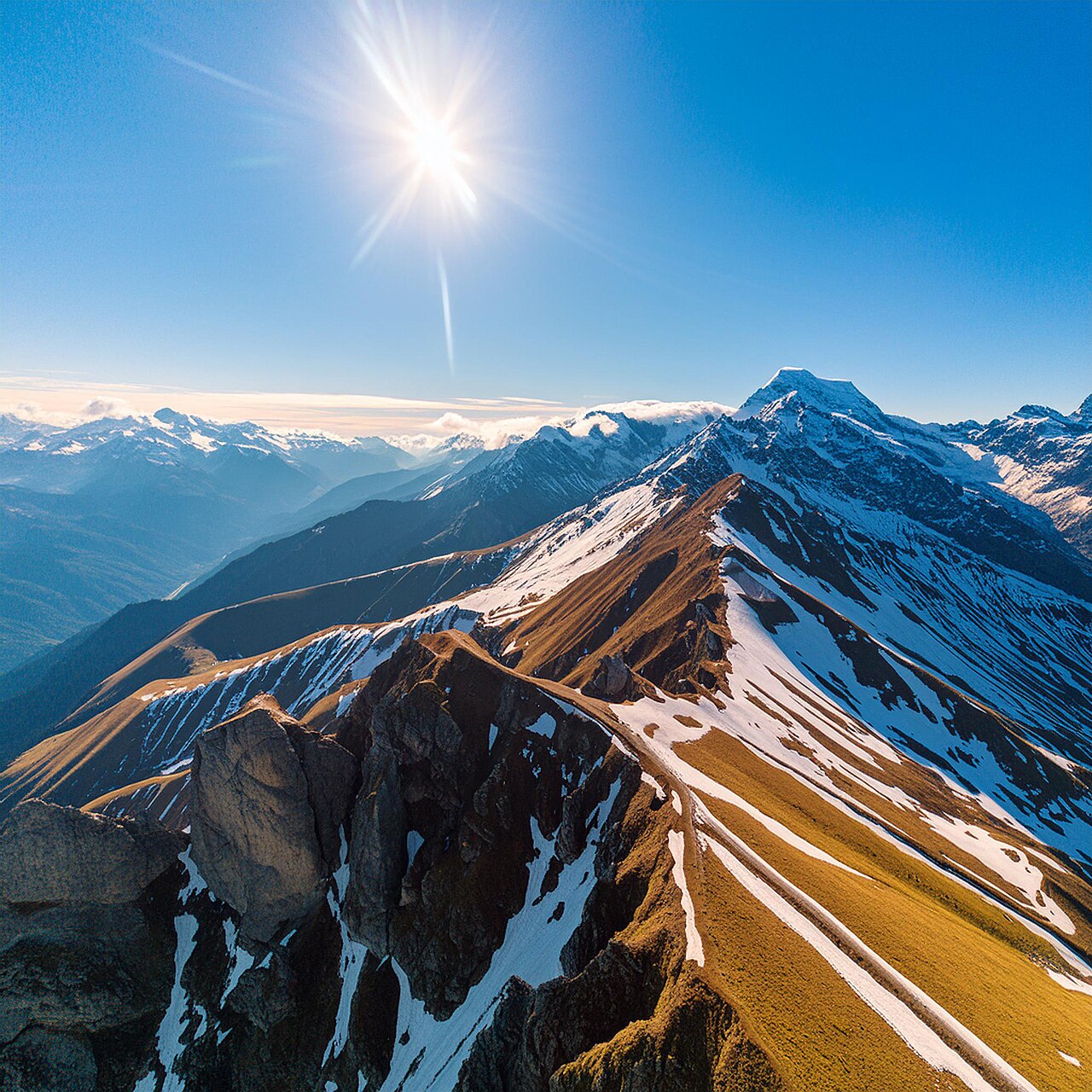
A landscape generated with Adobe Firefly
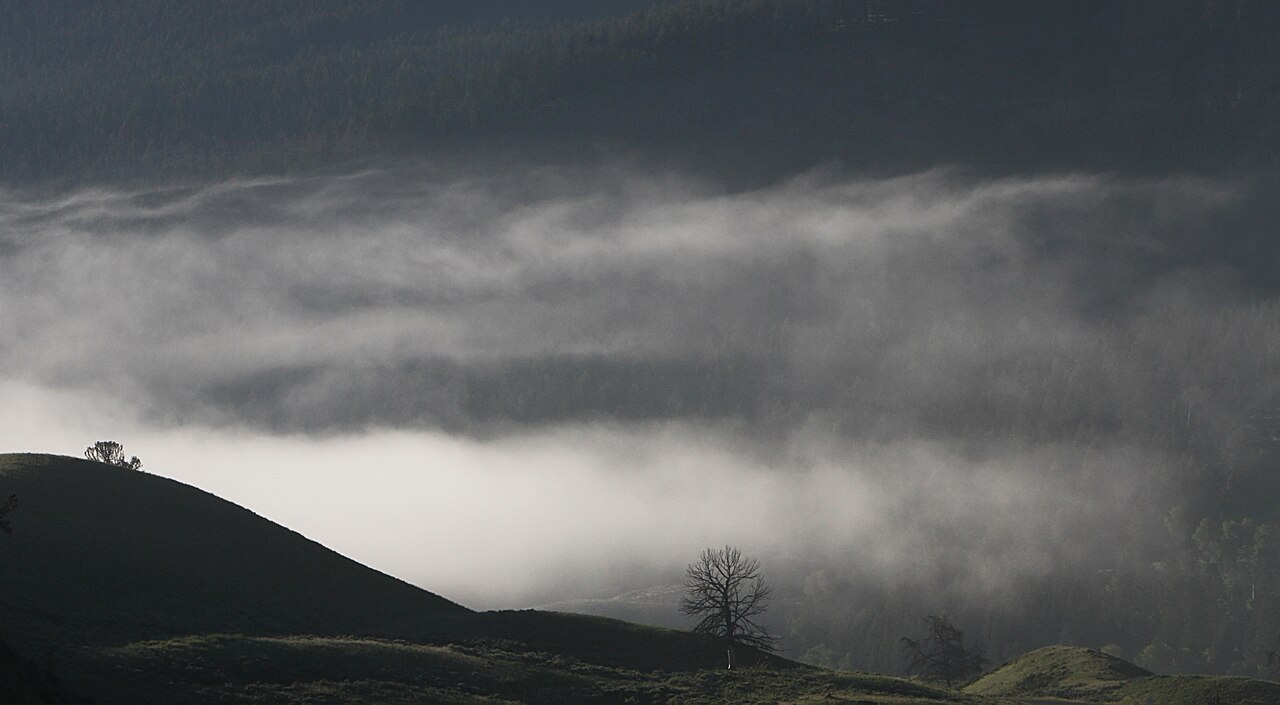
Soda Butte Valley, photographed by Yellowstone National Park
Free, no card. Your own files are checked once you are signed in. Where the samples come from
A likelihood, not a verdict
Unvail cannot prove how something was made. Every answer is a likelihood with where it came from, and it gets harder on content that was edited, cropped or compressed, and on tools newer than our engines. Weigh it against what else you know. You will never see us claim 100%.
How to read a result →What Unvail checks
Pictures, video, sound and text, on the sites you already use.
Images
Photos, art and screenshots, on any site you browse.
Video
Samples frames as it plays and tells you which stretch looks generated.
Music and voice
Tracks and spoken audio, including what is playing right now.
Text
Paste anything, or check an article where you found it.
Does what it says hold up?
On an article or a YouTube video, Unvail picks out the claims, searches for reporting on each one, and shows what came back: who agrees, who disagrees, and what nobody independent has covered.
A whole article
Click the Fact-check button in the corner of a news article, or right-click the page and choose “fact-check this page”.
Just what you highlight
Select the paragraph you doubt, right-click and choose “fact-check this passage”. Only that passage is checked.
YouTube, with timestamps
Choose Fact check from the Unvail badge on the player, for the whole video or just a part. Every claim shows when it was said; click the time to jump there.
You get a rating out of four, then every claim with its sources to read yourself. No extension? Paste the link into the Fact check tab. It shows what reporting exists, not a ruling on what is true.
Three steps, then it's out of your way
Add the extension
It sits quietly until you want it. Nothing you see is sent until you choose to check it.
One click to check
A badge appears on any image or video you point at. Click it and the check begins.
Read the probability
A likelihood — never a bare yes or no.
Start checking for free
100 credits every month, for every kind of check. No card needed.